Everything you need to know Smart Digital Menu & Integrated Restaurant Management System
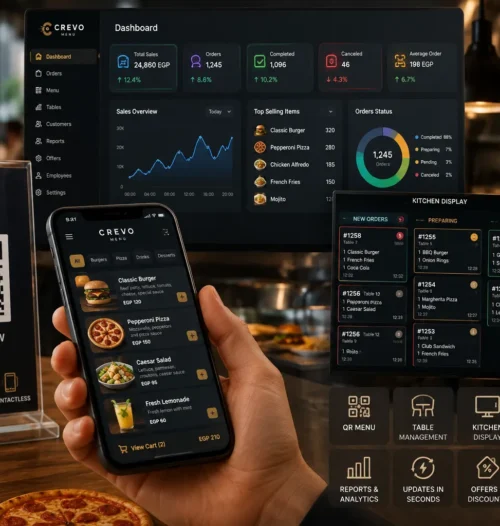
Transform your restaurant with the Crevo system and deliver a seamless digital dining experience. Interactive QR menu, kitchen order management, POS integration, and real-time analytics—all in one platform.
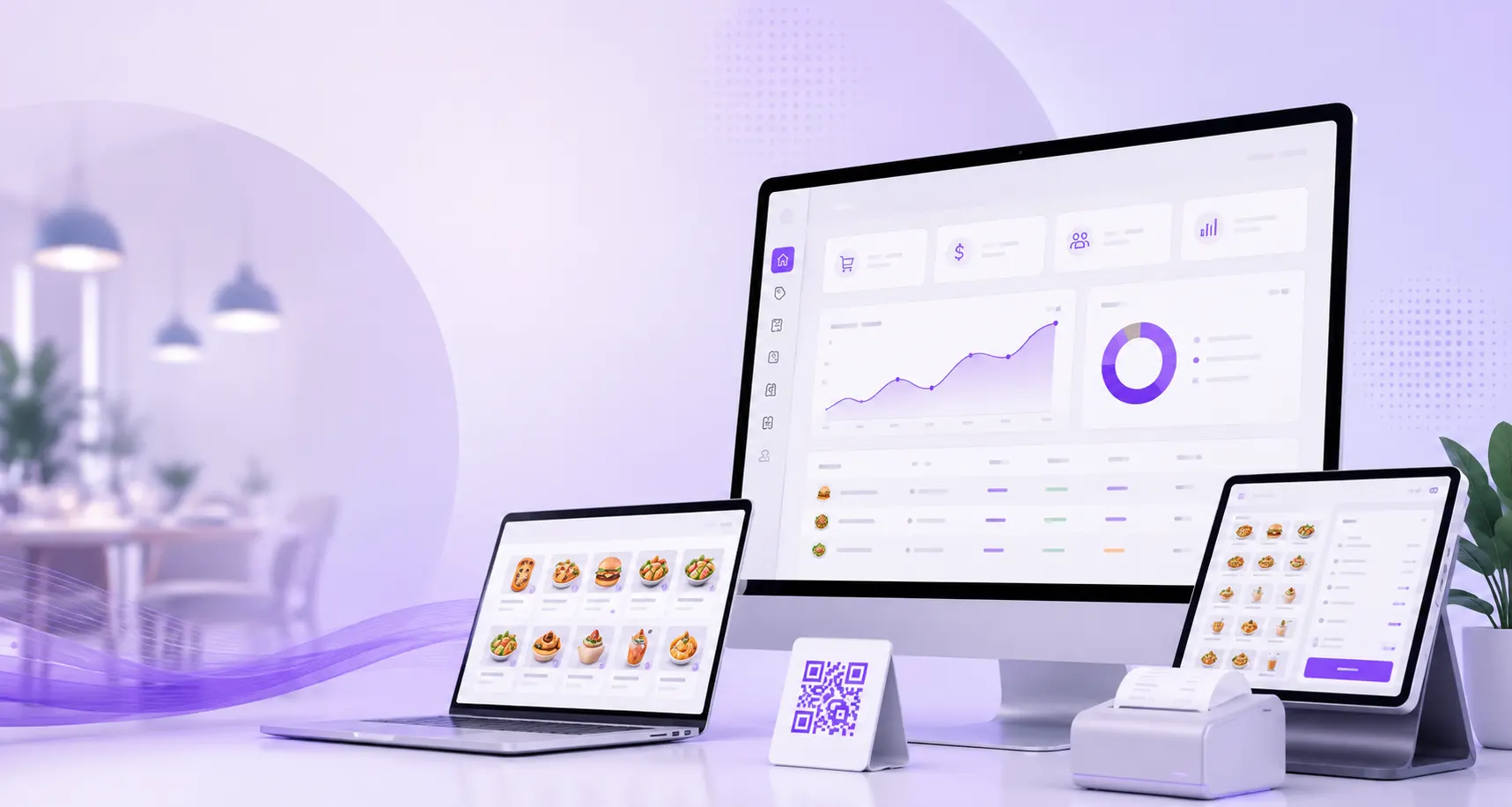
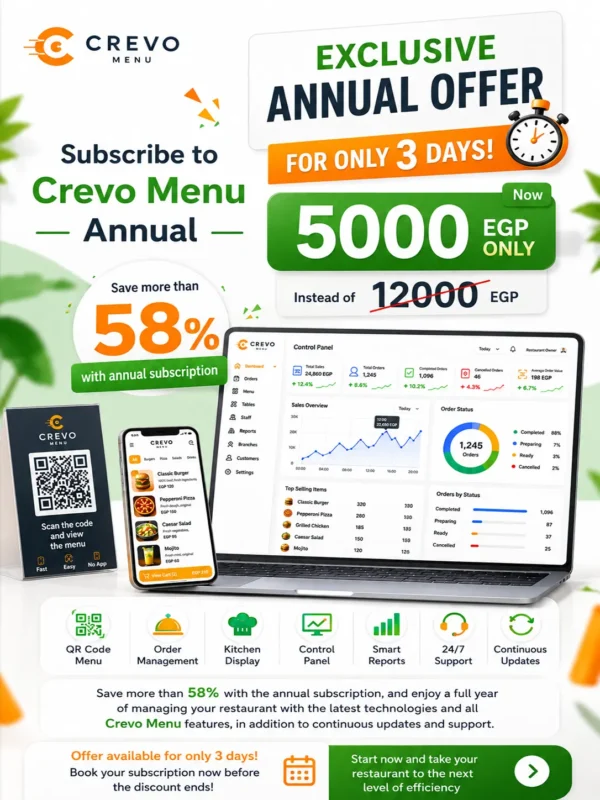
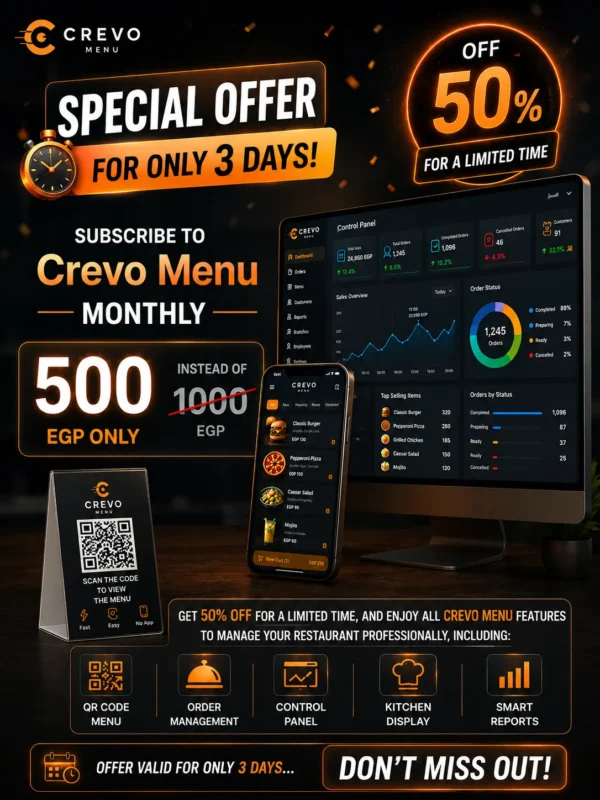
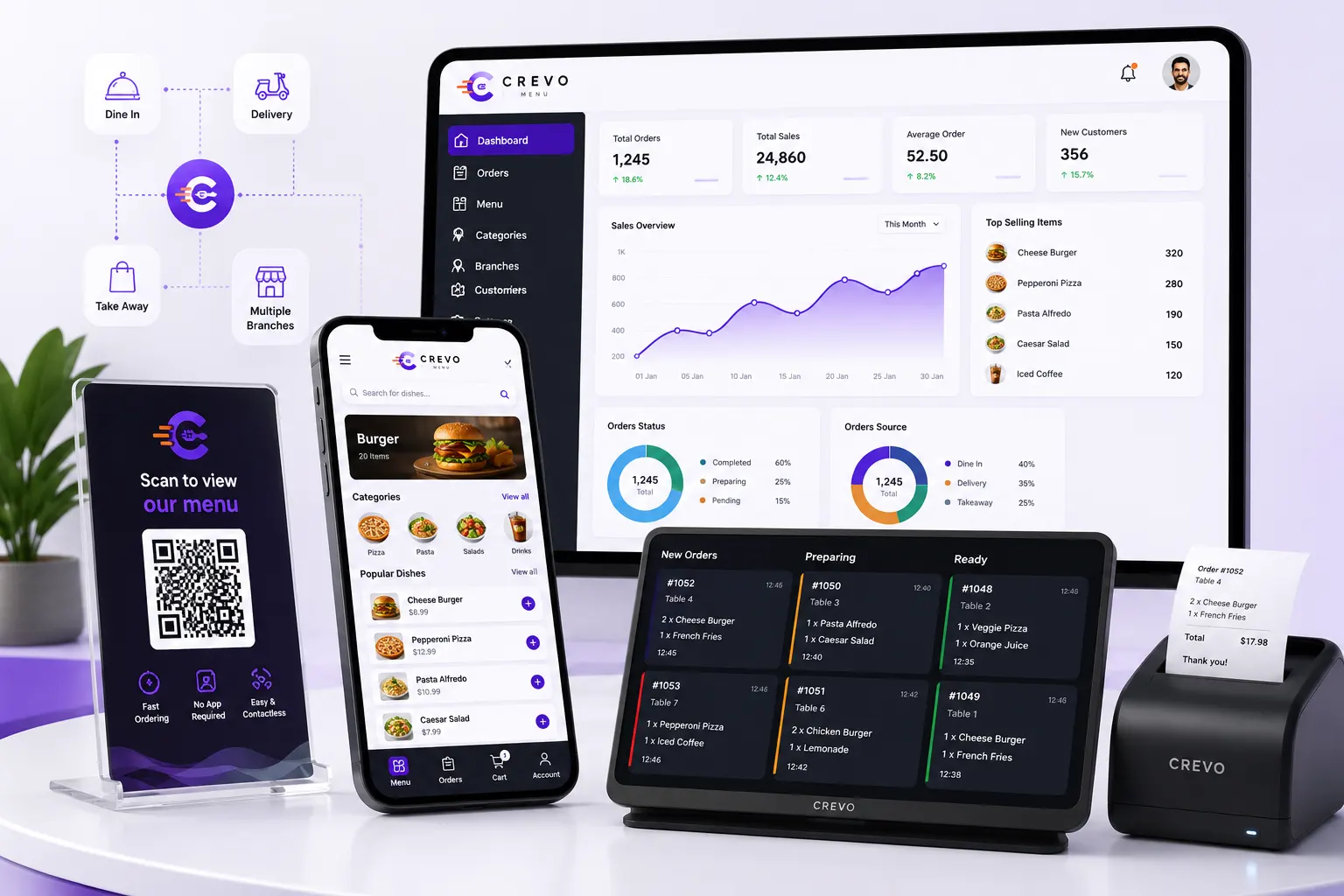
Crevo Menu is an all-in-one SaaS platform built to streamline restaurant and café operations. It helps you increase sales, reduce order processing time, and manage all your branches from a single, easy-to-use dashboard.
Fast digital QR menu that works instantly—no app required.
Update menu items and prices in real time without reprinting.
Full support for dine-in, delivery, and takeaway orders.
Features Designed to Help Your Restaurant Grow
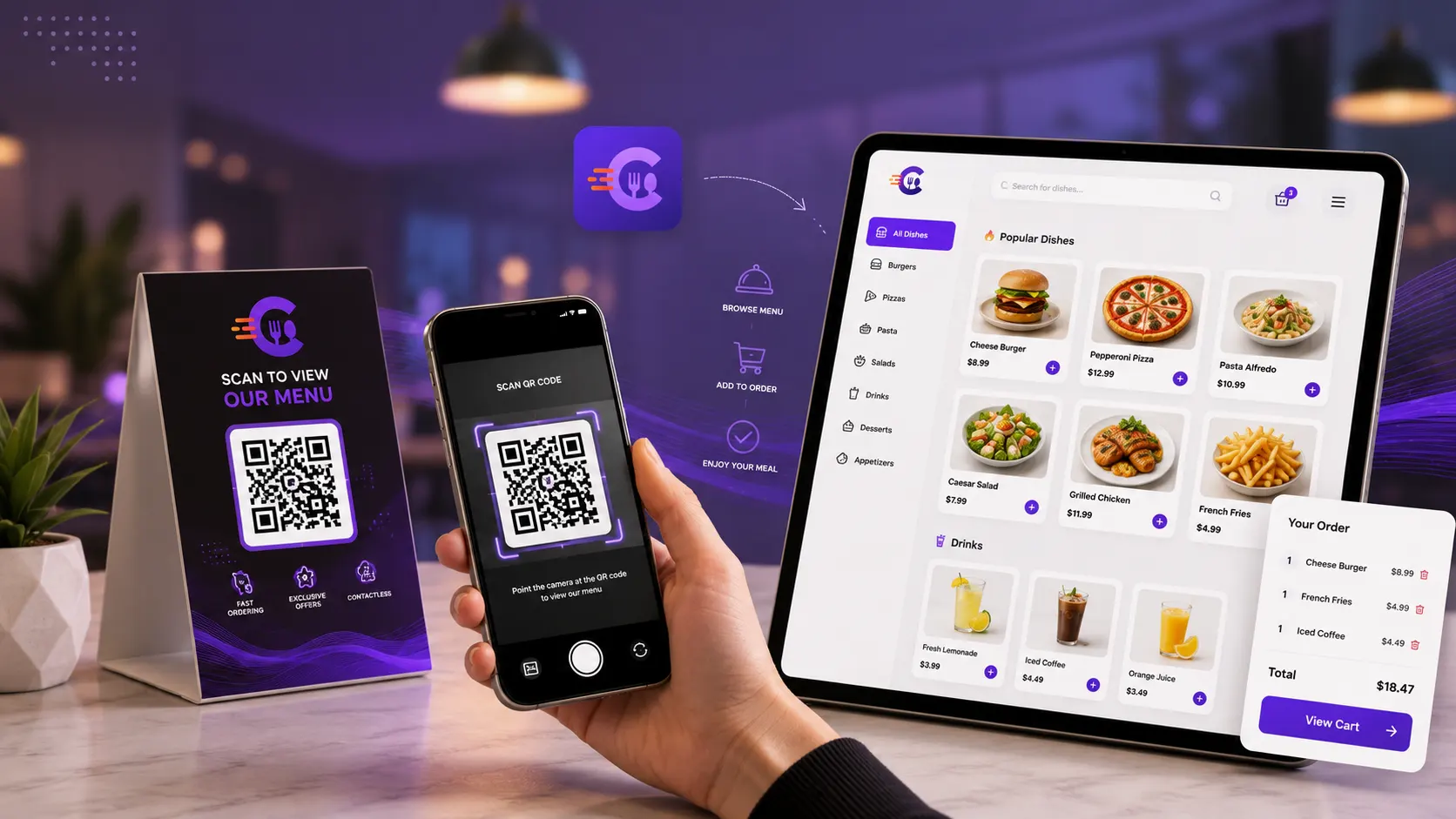
Interactive QR Menu
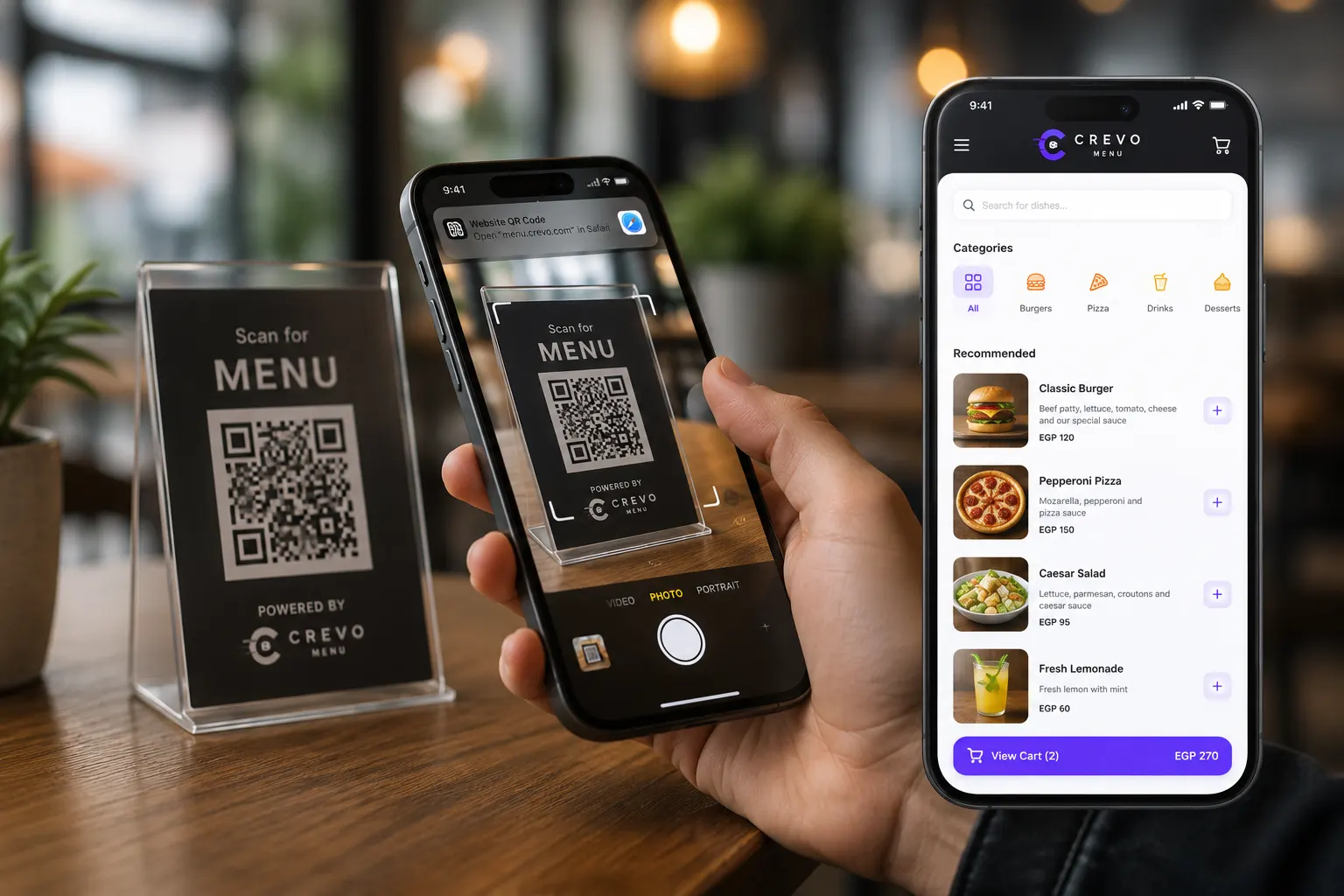
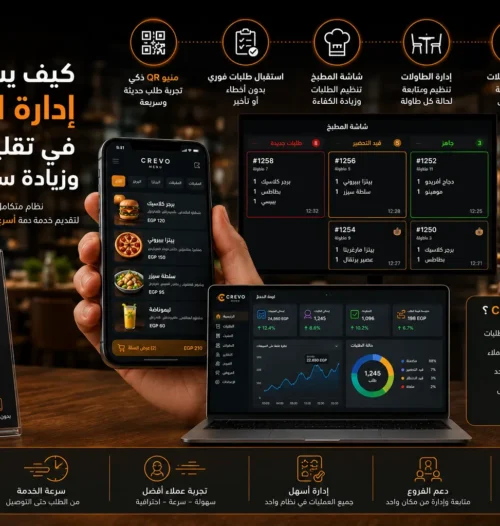
A fast, visually appealing digital menu that works seamlessly on all smartphones via QR code.
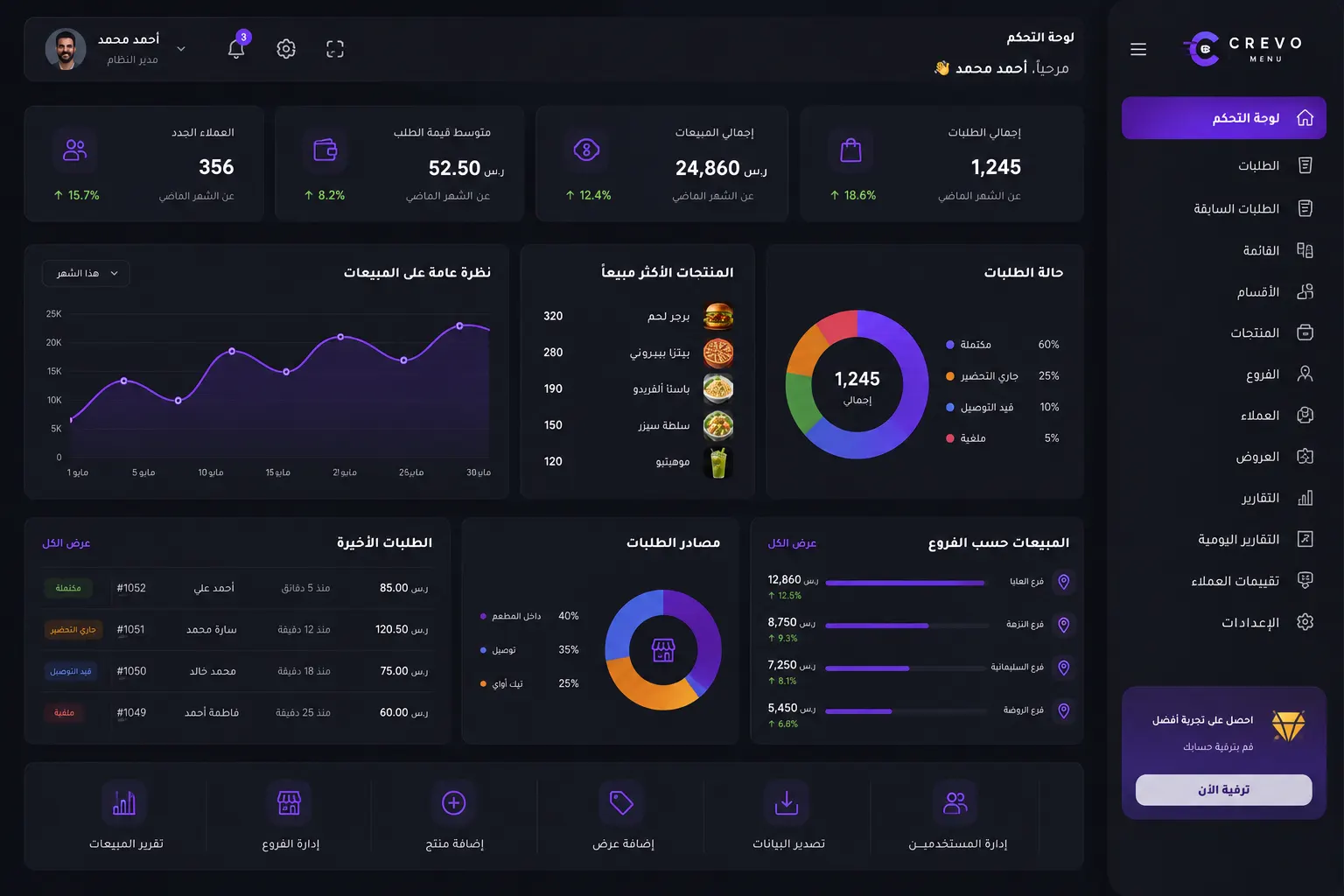
Professional Dashboard
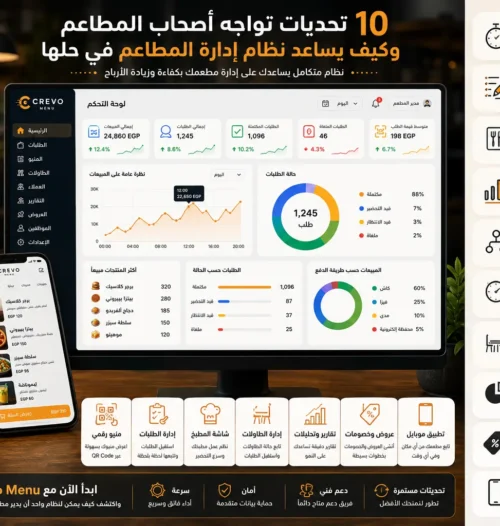
A comprehensive dashboard that gives you a real-time overview of sales, performance, and business activity.
Smart Analytics & Reports
Gain actionable insights with detailed reports on best-selling items, peak hours, sales performance, and profits.
Instant Order Management
Receive orders instantly with sound notifications and track every order in real time.
Offers & Discounts
Create discount coupons, bundle deals, and time-based special pricing.
Table Management
Manage table assignments, link QR menus to table numbers, and enhance the dine-in experience.
High Security & Reliability
Keep your business protected with end-to-end data encryption and 99.9% system uptime for uninterrupted service.
Mobile App
Manage your restaurant on the go with a powerful mobile dashboard to monitor sales and operations anytime, anywhere.
24/7 Customer Support
Our support team is available around the clock to help you set up your system and resolve issues quickly.
Explore Crevo's Screens & Systems
Simple, powerful user interfaces designed for an intuitive and seamless experience.
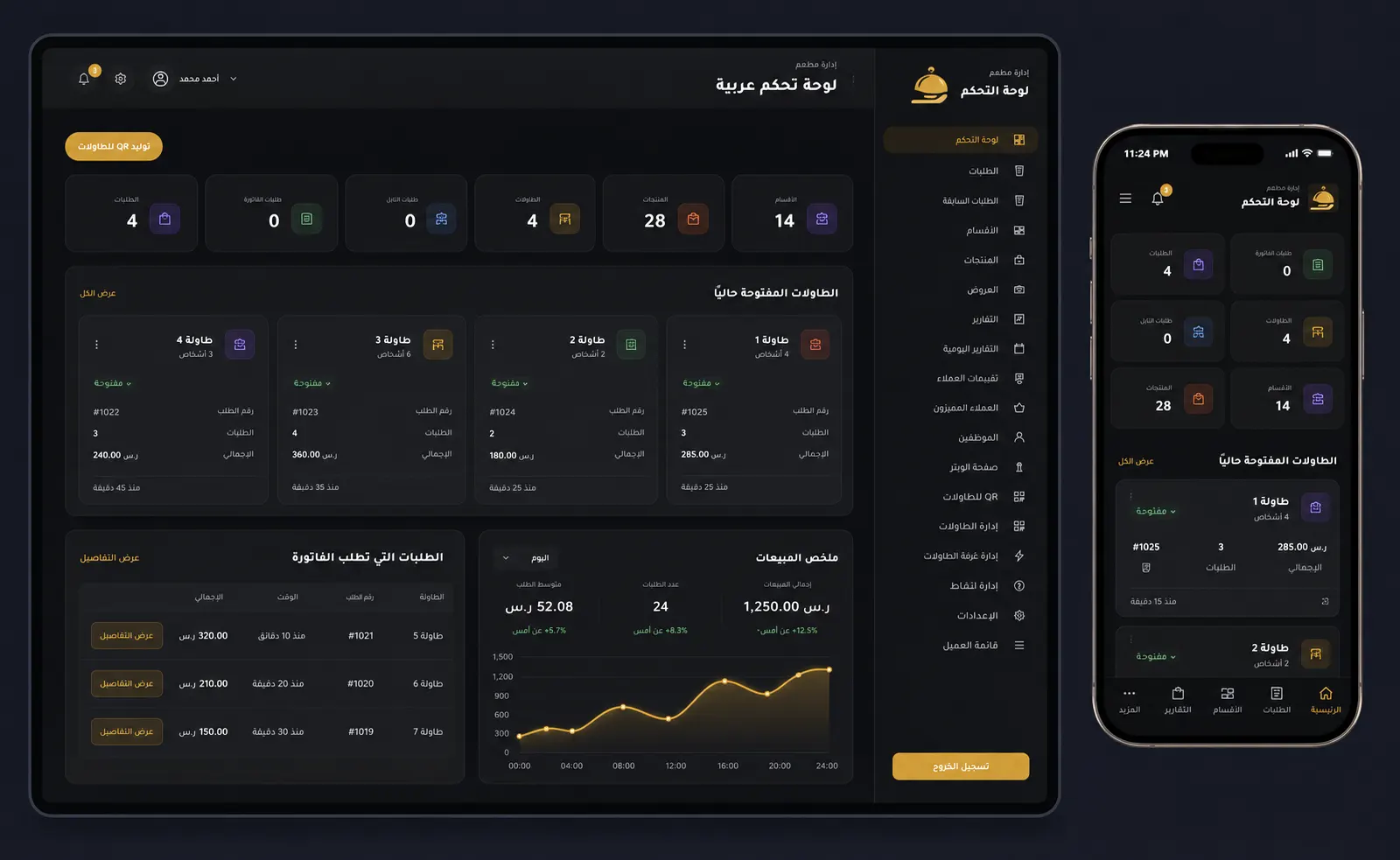
Integrated Dashboard
Monitor every aspect of your restaurant from a single dashboard. Track sales, live orders, and staff performance in real time.
Instant Access on Any Smartphone
No app required. Customers simply scan the QR code with their phone camera to instantly open a fast, beautifully designed digital menu that’s fully responsive across all devices.
See Crevo in Action
Watch a quick demo showcasing the complete customer journey—from scanning the QR code to placing the order and sending it directly to the kitchen.
Crevo Menu is a comprehensive digital platform that provides smart QR menu solutions for restaurants and cafés. It allows customers to browse your menu, customize their orders, and place them directly from their smartphones—without downloading any app.
Do customers need to download an app to view the menu?
No. Customers simply scan the QR code on the table using their phone’s camera to instantly access the digital menu.
No. Customers simply scan the QR code on the table using their phone's camera to instantly access the digital menu.
Using the intuitive admin dashboard, you can update prices, add or hide menu items, and change images instantly. All updates are reflected immediately without reprinting your QR codes.
Can I add modifiers and customization options to menu items?
Yes. You can create multiple customization options such as size, cooking level, side dishes, drinks, and other add-ons, allowing customers to personalize their orders.
Does the system provide sales analytics and reports?
Yes. The dashboard includes detailed reports showing best-selling items, peak business hours, sales performance, and customer insights to help you make smarter business decisions.
How are orders received inside the restaurant?
Orders appear instantly on the admin dashboard or cashier screen. The system can also send real-time notifications with sound alerts to ensure orders are processed immediately.
How do I get started with Crevo Menu?
You can create your account and upload your menu within minutes through the registration page, or contact our support team for assistance with setup and configuration.
Can I print my QR code on stickers or printed materials?
Yes. Crevo provides high-resolution QR codes that are perfect for printing on table stickers, business cards, menus, flyers, and other promotional materials.
Can I create discounts and promotional offers?
Absolutely. You can create discount coupons, limited-time offers, combo meals, and promotional campaigns, with updates appearing instantly on your digital menu.
What support options are available if I need help?
Our dedicated support team is available 24/7 via WhatsApp, email, and phone to help you resolve issues quickly and keep your restaurant running smoothly.